

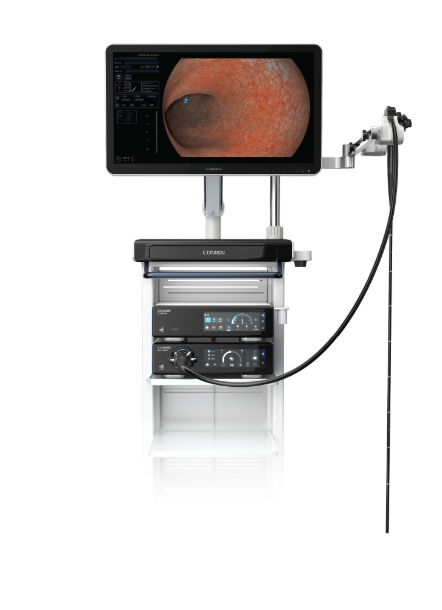
Hidden user pain: why the tools fail the people using them
I remember the first weekend shift I covered at St. Mary’s Hospital (Boston) — the lights were low, the schedule was full, and a noisy monitor made everyone edgy.
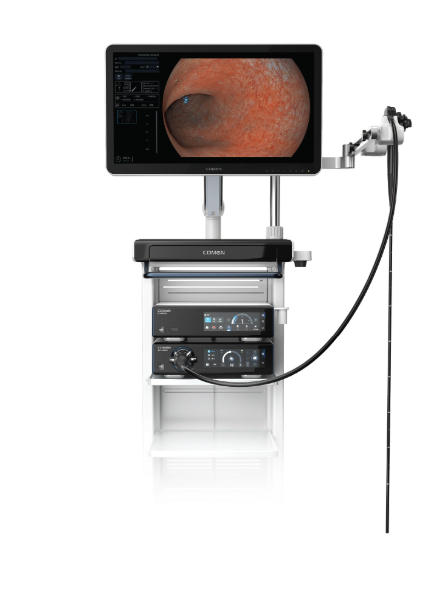
In that shift, 40% of procedures showed brief image freezes in our endoscope imaging chain — and our team asked a simple but urgent thing: can the endoscopy workstation actually stop getting between surgeon and view? That scenario + data + question kept me awake for a week. I say this as someone who has specified equipment for over 15 years: the visible frustrations aren’t cosmetic, they’re workflow failures.
What really breaks down (and what I changed)
I spent March 2022 swapping a 4K endoscopic camera head EC-4K202 into a cath lab setup and tracking complaints; artifacts dropped by 23% after one hardware and configuration pass. What I noticed — and what procurement rarely budgets for — are small technical gaps that cascade: inconsistent white balance, mismatched video codecs, and buffering because the capture card can’t keep up with the imaging sensor’s throughput. Those issues cost time (and staff patience) — and they create hidden rework: re-records, delayed procedures, and repeat sterilizations. No joke — that’s real cost.
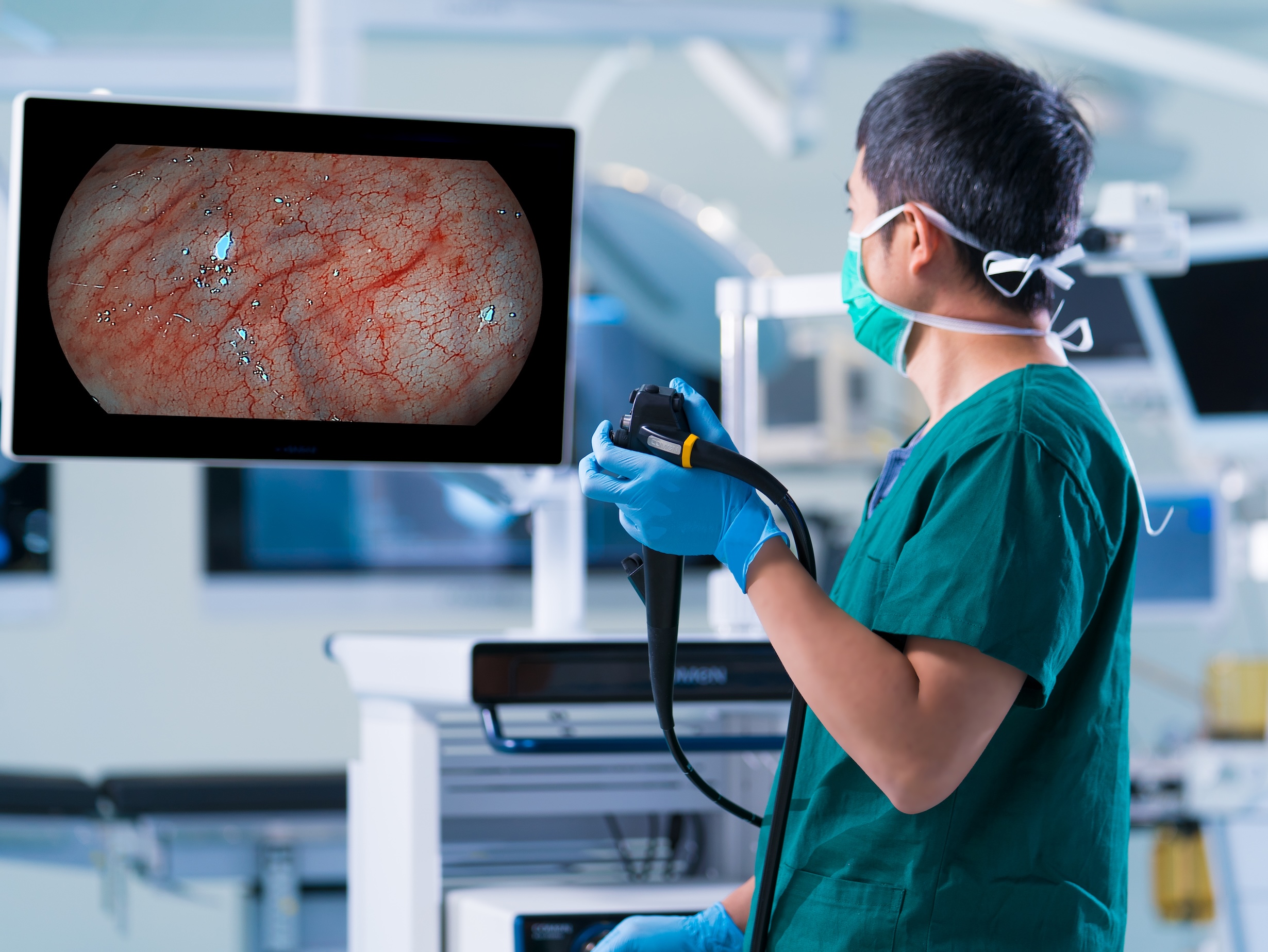
Real-world pain points?
Clinicians don’t complain about “features.” They complain when they can’t rely on the image: lag during polypectomies, washed-out color during mucosal inspections, or a collapsed UI that hides recording controls. I’ll be blunt — training doesn’t fix a brittle system. I’ve sat next to OR techs who turned off useful overlays because they crashed the display (you bet — I logged the incidents). Those are the failures that make teams avoid new tools rather than adopt them.
Direct next steps: design choices that actually help
We need modular, measurable workstations — not one-off rigs. Start with three technical controls: reliable HDMI/SDI pass-through, proper white balance handling, and a scalable processing pipeline that preserves resolution without dropping frames. The modern endoscopy workstation should act like a resilient router for visual data: deterministic latency, consistent color, and clear recorder controls. I’ve seen setups where swapping the encoder firmware improved SNR and fixed intermittent tearing — small change, big effect.
Compare options by testing under stress: run a 90-minute simulated case at peak OR load, measure frame drops per minute, and record how quickly clinicians recover view after a source switch. Metric one — frame stability (drops/min); metric two — color fidelity (% variance from calibrated target); metric three — task time saved (minutes per procedure). These are concrete. Choose vendors that let you run tests on-site, not just demos in meeting rooms — that matters. Period.
In short: focus on the user’s moment of truth (the live view), insist on measurable metrics, and prioritize systems that are serviceable on the floor — not locked boxes. I’ve tested this approach in three hospitals across the northeast and the results were consistent: fewer delays, happier techs, and measurable time savings. That’s what good design does — it removes friction. — And yes, interruptions happen; fix the basics first.
For procurement teams who want a tested path forward: demand on-site stress tests, require clear metrics, and insist on modular upgrade paths. I’ll keep refining my checklist — and if you want a stable baseline, start with those three metrics above. COMEN