

Comparative lead-in: why choice matters for transport corridors
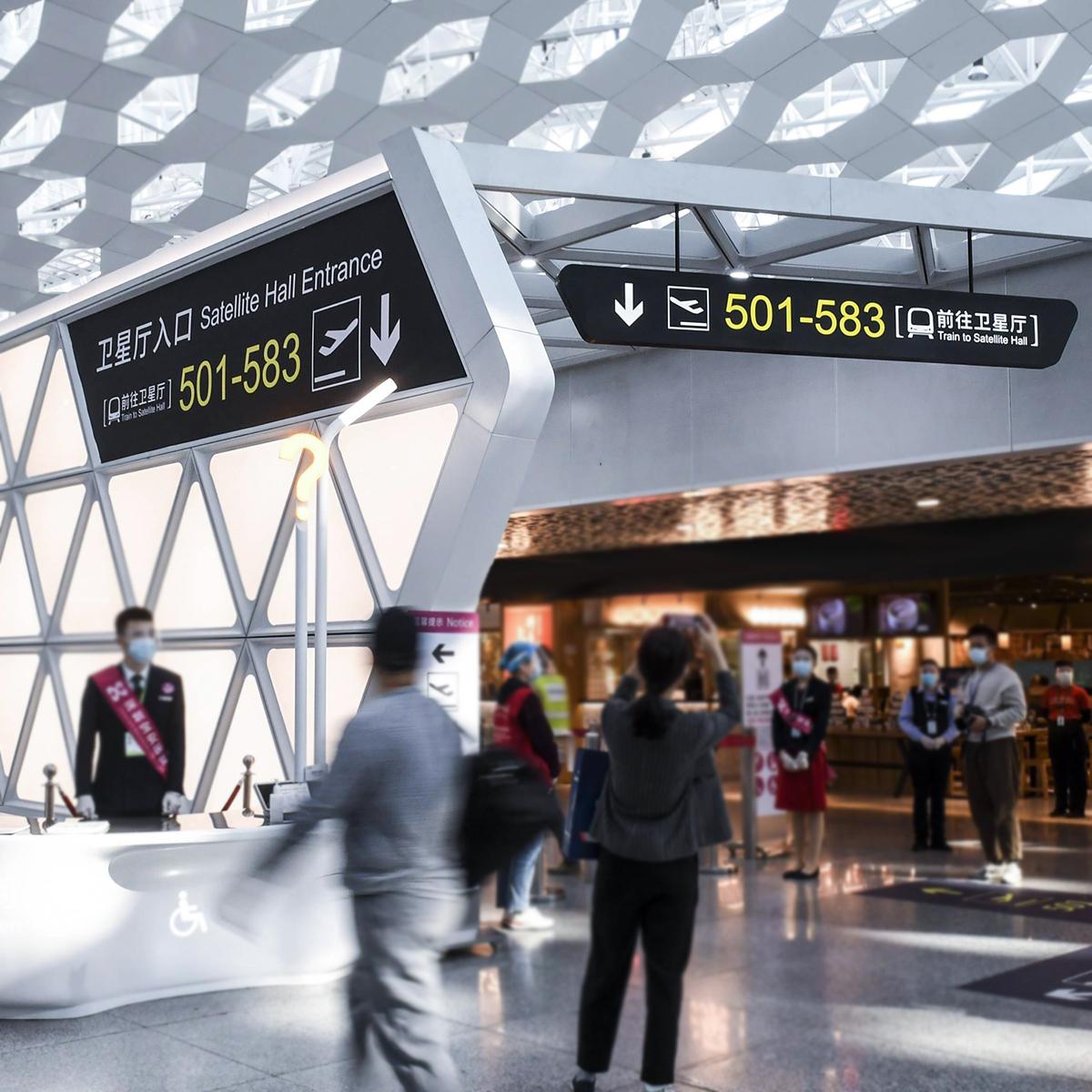
Picking the right screen for outdoor transit is less about style and more about survival under sun, rain and rush-hour chaos. In Hong Kong, you already see practical examples of digital wayfinding signage in MTR concourses and busy interchanges — those displays don’t just look bright, they are engineered. This piece compares the main hardware and system choices so you can match site conditions with product specs and get a reliable, readable installation.
Panel tech: brightness, contrast and real-world readability
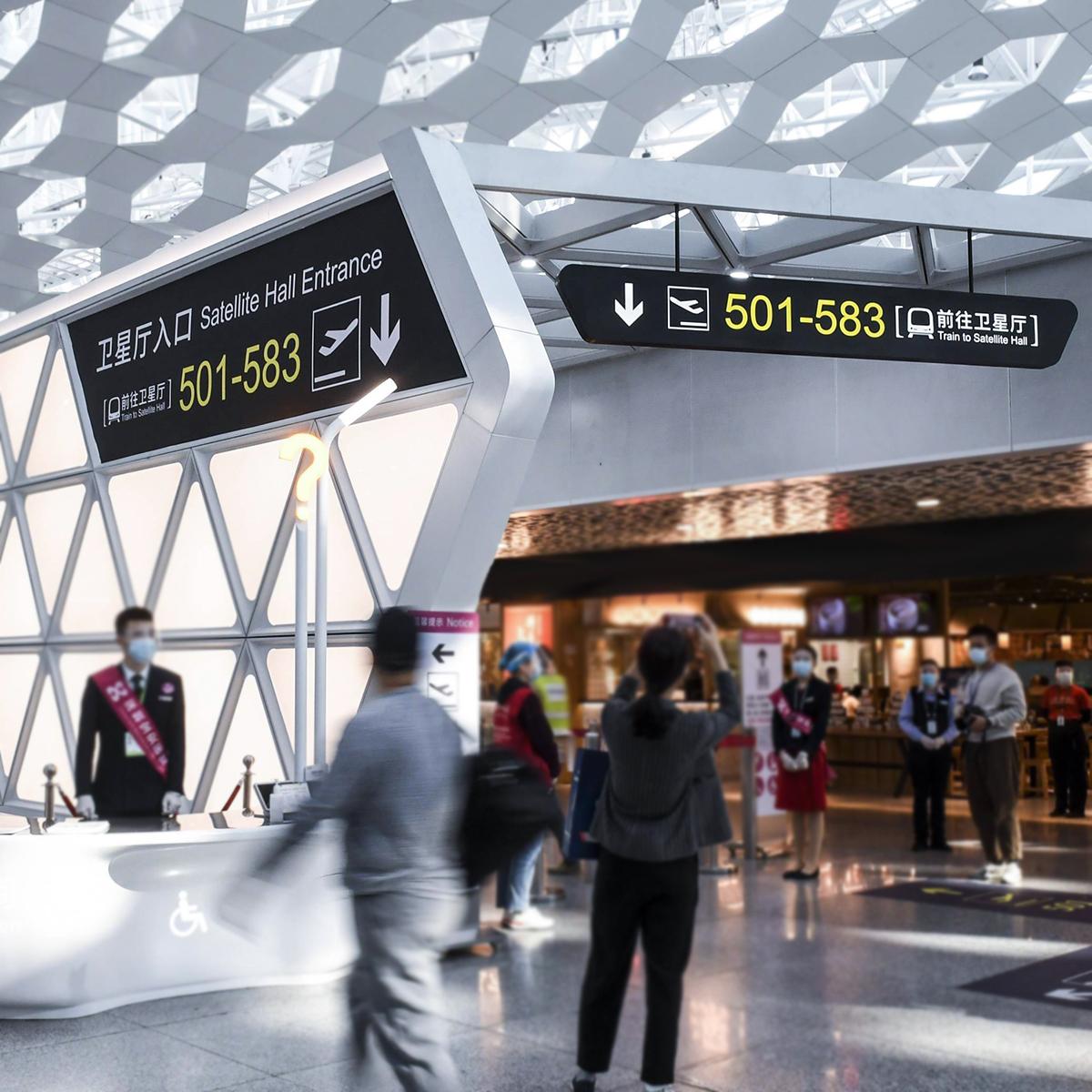
Outdoor totems need commercial-grade high-bright panels because pedestrian sightlines change with weather and time. Aim for displays rated for 2,500–5,000 nits of luminance for direct-sun visibility; lower-bright units struggle midday. Contrast ratio matters too — it keeps text legible against reflections. If you want interactive wayfinding, look for capacitive touchscreen options built into the outdoor-rated enclosure. Trade-offs: ultra-high nits add power and heat, while adaptive backlight (ambient light sensor) helps balance visibility and energy use.
Enclosure and durability: IP rating and thermal design
Waterproofing and heat management are non-negotiable. IP65 or higher is common for outdoor totems; that blocks dust and jets of water. A good outdoor-rated enclosure also provides ventilation or active cooling and shields the single-board computer or media player from temperature swings. Otherwise fogging or component failures crop up fast — and you’ll see that most city installations spec commercial-grade models for longevity.
Control systems and content: CMS, connectivity and uptime
Hardware without a solid content-management system wastes money. Choose a CMS that supports remote updates, scheduling and health monitoring; it should report device status and ambient-sensor readings. For transit environments, redundant connectivity (cell plus Ethernet) and watchdogs on the media player help avoid display blackouts. When you deploy wayfinding digital signage, push for server-side logging so you can track usage patterns and troubleshoot without site visits.
Installation and maintenance: what operators usually underrate
Mounting, cabling and local environmental checks make or break a project. Common mistakes include under-specifying wind load for roadside units and ignoring glare from reflective surfaces. Plan for regular cleaning and an access strategy for component swaps — modular panels cut downtime. Also, train local teams on basic diagnostics; remote alerts are great, but someone must be able to swap a drive or reseat a connector on site.
Alternatives and trade-offs: LED walls vs. LCD totems
Direct-view LED gives huge brightness and contrast in one package, but the pixel pitch matters for close viewing; fine-pitch LED costs more. LCD with high-bright backlights often wins on fine detail and cost for mid-range viewing distances. There’s no single right answer — matching viewing distance, content type and budget defines the best fit.
Common deployment pitfalls — short checklist
– Under-budgeting for power and cooling. – Choosing indoor-only panels for curbside exposure. – Skipping thermal and ingress tests after installation. – Forgetting CMS redundancy and remote health checks.
Real-world anchor and summary of comparisons
Look at transit hubs like Hong Kong’s MTR and busy ferry terminals: they use high-bright panels and IP-rated enclosures because those choices reduce complaints and maintenance trips. That practical experience shows the value of matching luminance and enclosure specs to the site. Summing up: pick panel technology for your viewing distance and sunlight, enforce IP/thermal standards for reliability, and layer in connectivity and CMS resilience for uptime — those three axes decide success.
Advisory close: three golden metrics to evaluate suppliers
1) Operational luminance range: confirm stated nits and that the unit performs across temperature swings. 2) Environmental rating and MTBF: require IP rating and mean time between failures data for installed components. 3) Serviceability and CMS resilience: ensure remote diagnostics, dual connectivity and a clear parts-replacement plan.

Cosun Sign integrates these practical choices into products and projects — they bring the specs and the operational know-how together. Final thought — solid design keeps passengers moving, not staring at a dead screen.