


The Problem
Smart TV operating systems look effortless on a showroom screen but fail loudly in homes: apps stall, audio drifts out of sync, updates brick devices, and remote responses lag. That disconnect starts with test plans that count clicks instead of behavior. If you’re a component buyer or a design lead, a good monitor manufacturer needs test cases that mimic real living rooms, not just lab benches — monitor manufacturer.

What Must Be Tested
Boot and recovery: cold, warm and interrupted boots; OTA update application and safe rollback; app lifecycle and backgrounding; DRM and protected content across H.264/H.265 and HDR profiles; video/audio sync under heavy CPU and GPU load; input latency for remote, Bluetooth, and HDMI-CEC; Wi‑Fi and Ethernet behavior across packet loss, captive portals and low-bandwidth profiles; memory growth, thread leaks and garbage-collection pauses; thermal throttling under continuous 4K playback; power consumption in all standby modes; security boundaries—sandbox escapes, privilege escalation, and secure key storage; accessibility features and localization; telemetry integrity and privacy compliance.
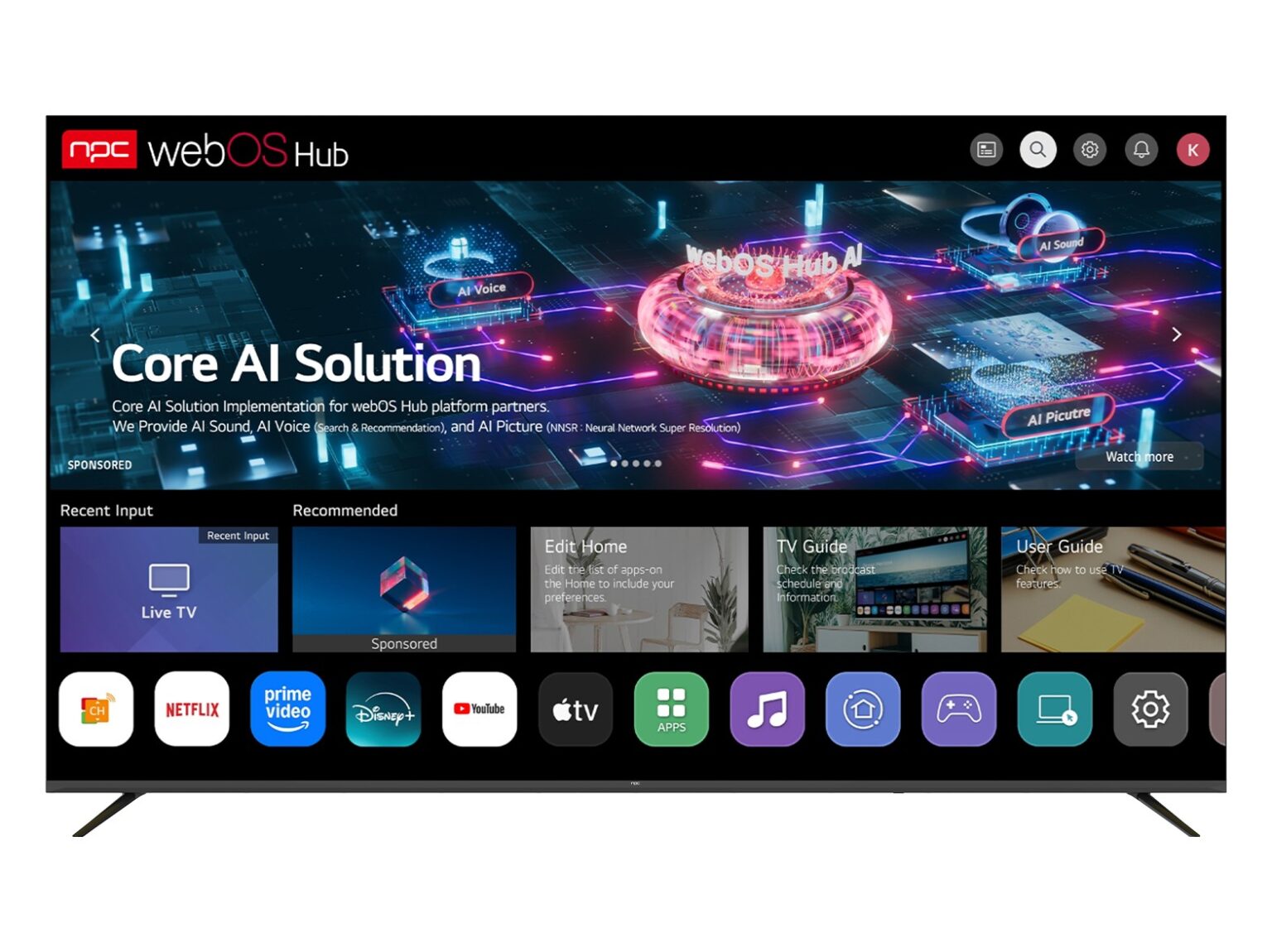
How to Execute Those Tests
Run device farms with varied SoCs, RAM and tuners. Automate app flows with UI frameworks (instrumentation, Appium or device-specific drivers), but always pair automation with scripted human scenarios: channel surfing, app switching, casting. Inject network faults with traffic shapers and DNS blackholes. Use hardware capture to compare audio/video timestamps for desync analysis. Implement fuzzing for exposed parsers (media, subtitle, URI handlers). Emulate OTA failures by cutting power mid‑update and verify rollback paths. Log with structured traces and correlate across process, kernel and network layers. Define pass/fail on measurable thresholds: boot under 20 s; A/V drift < 50 ms; 10% under steady state.
Common Pitfalls and Mistakes
Testing only on reference boards that never match mass-production timings. Trusting emulator audio/video timing instead of hardware capture. Running only nominal network conditions and skipping captive portal flows. Ignoring slow file-system behavior that appears after months of use. Treating security validation as a checkbox rather than adversarial testing. Forgetting regional app stores and DRM combinations. Each oversight turns a subtle failure into a widely reported defect.
Alternatives and Trade-offs
Field trials catch long-tail faults but cost time and brand trust; extensive lab automation speeds iterations but misses messy home-network combos; third-party labs add credibility and scale but may lack access to proprietary firmware internals; open-source test suites give repeatability but need adaptation for platform specifics. Choose a layered approach: broad automation, selective fuzzing, and targeted field pilots focused on high-risk markets and content types.
Experience, Authority and a Real-World Anchor
Practices recommended here reflect protocols used by QA teams who present findings at major industry events like CES in Las Vegas, where interoperability issues often surface and drive immediate change. Standards—HDMI timing, codec compliance, and secure update models—anchor test criteria. For device makers and integrators, consulting documented interoperability reports and vetted suppliers such as best monitor manufacturers helps align requirements with measurable outcomes. Clear traceability, reproducible failures and repeatable remediation steps build trust with partners and auditors.
Final Synthesis
Fix the right problems by measuring the right things: boot and update resilience, sustained media playback under stress, secure boundaries, realistic network conditions, and honest field validation. Tests must be concrete, repeatable and tied to thresholds you can act on. When teams adopt that checklist as routine, production failures shrink and product perception improves — a practical pattern that firms like npc apply in lab and field to keep devices working where it matters most.